Clinia 2.0
How to reduce inconsistencies and errors on the Clinia platform and speed up design with AI.
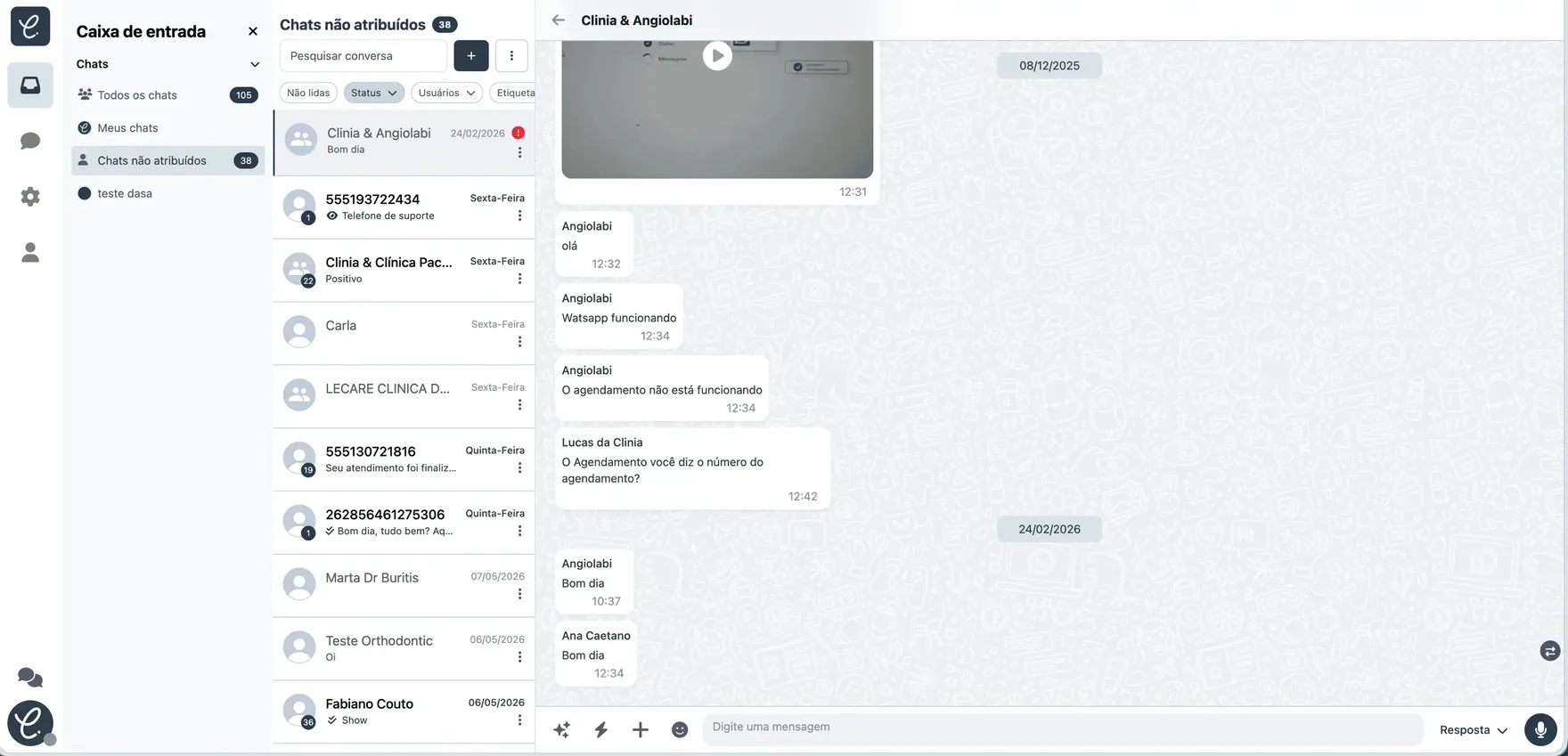
Clinia 2.0 was a product re-architecture: a new technical foundation, a governed design system and a clearer experience so the platform could scale.
Overview
A re-architecture to make Clinia scalable
Clinia 2.0 wasn’t just a visual redesign. It was a product re-architecture to replace a hard-to-maintain foundation with a platform ready to scale.
The project started in November 2025 and the new version shipped around February 2026. Migrating customers made continuity part of the problem: we had to preserve data while the experience became clearer and more stable for clinics and their support teams.
Challenge
Version 2.0 started by understanding the problem
Clinia 1.0 piled features on top of an architecture that was hard to maintain and scale. The WhatsApp QR Code connection could drop and make conversations unavailable, while every new need added complexity to the product.
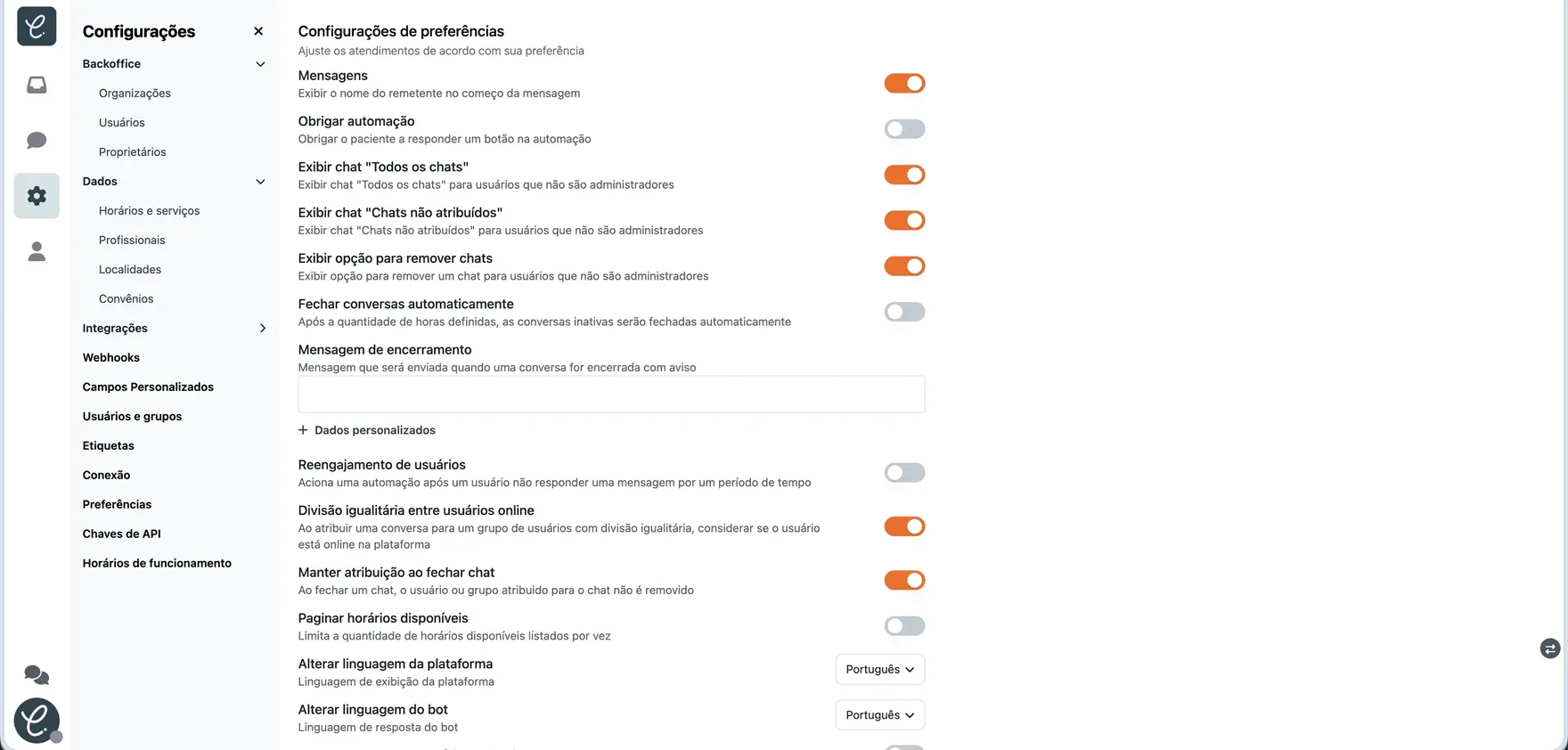
Version 2.0 combined a new technical foundation, built on the official WhatsApp API, with a cleaner interface, a governed design system and documentation to bring Design and Development closer. In an interview, a customer acknowledged the learning curve but saw the change as necessary to get more stability.
How we solved it
shadcn as a bridge between identity, Figma and frontend
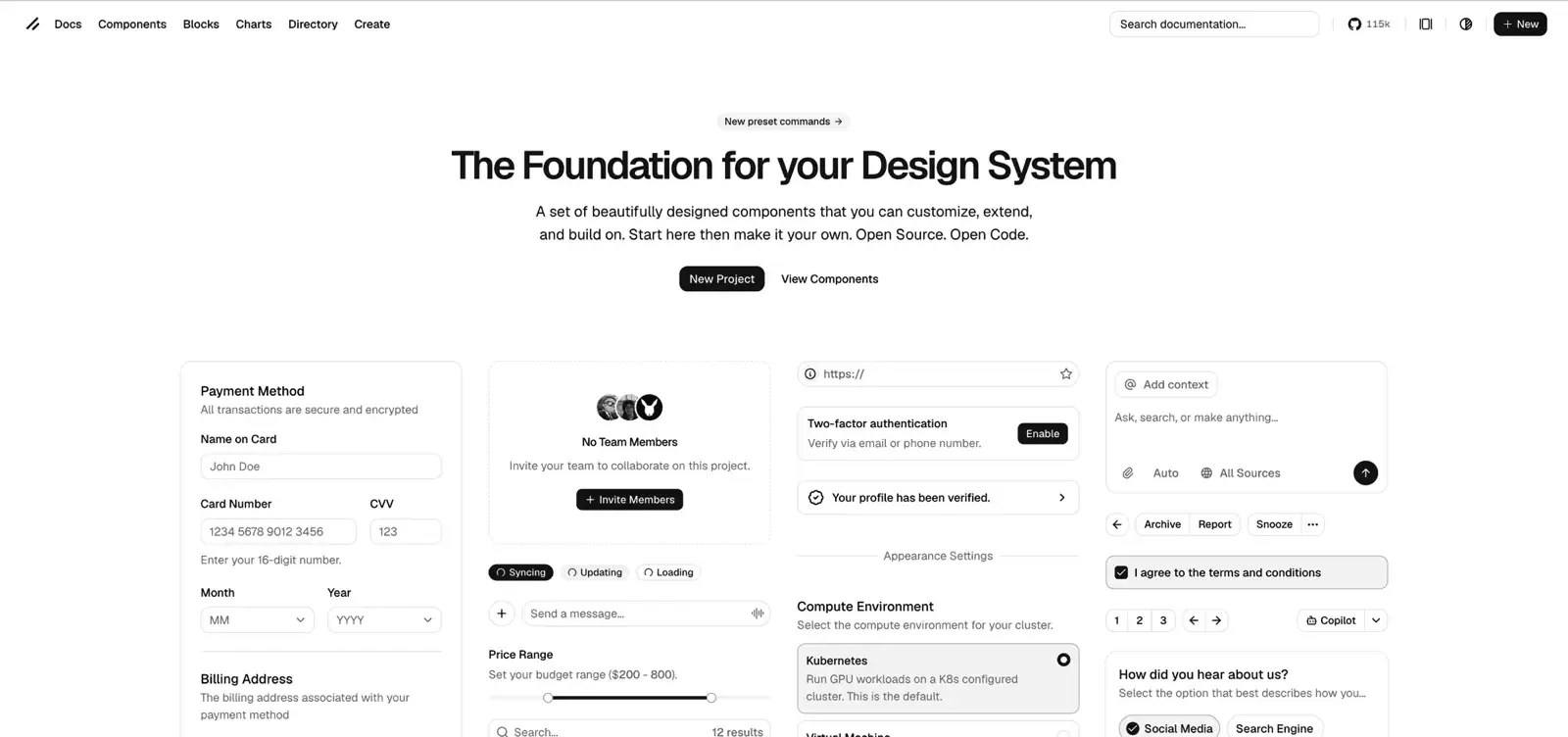
When I joined, there was already a visual direction the company wanted to follow and some frontend framework references to speed up the build. The decision was to use shadcn as the component foundation.
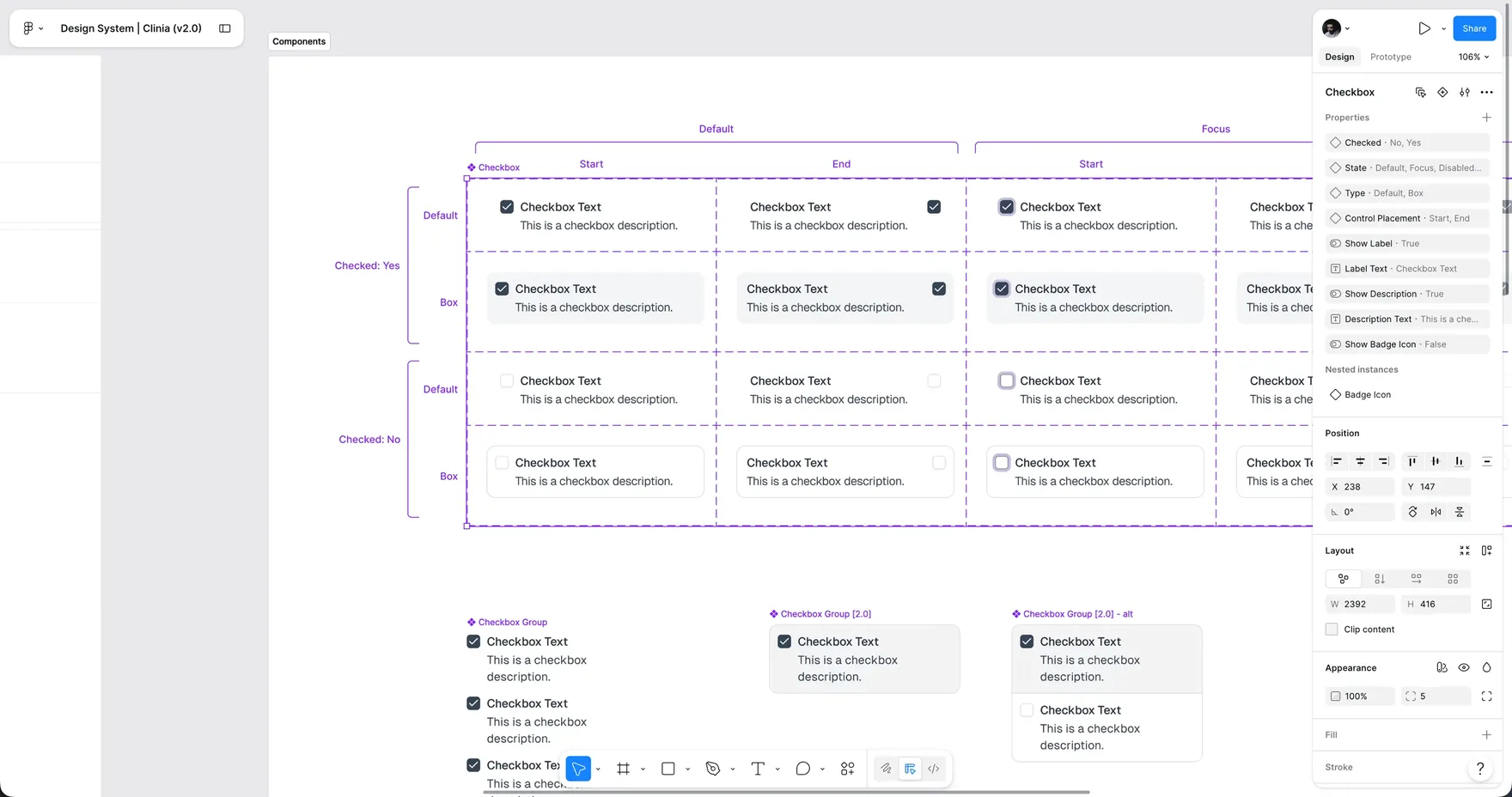
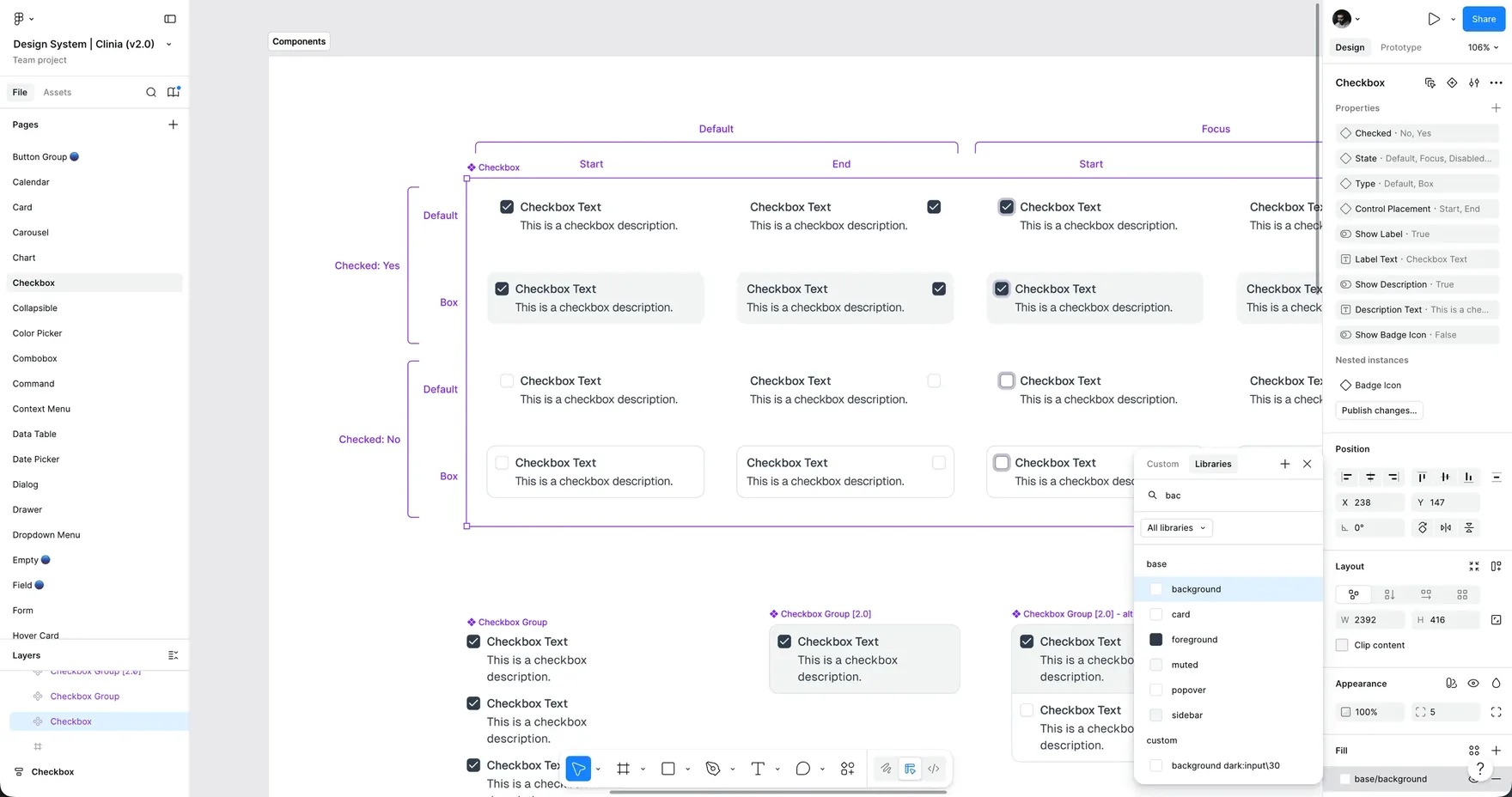
From there, I adapted the Figma structure to respect Clinia’s visual identity while staying close to the real implementation. The goal was to avoid a design system that looked good in Figma but was far from the code.
Governance and implementation
From token to a package the team could use
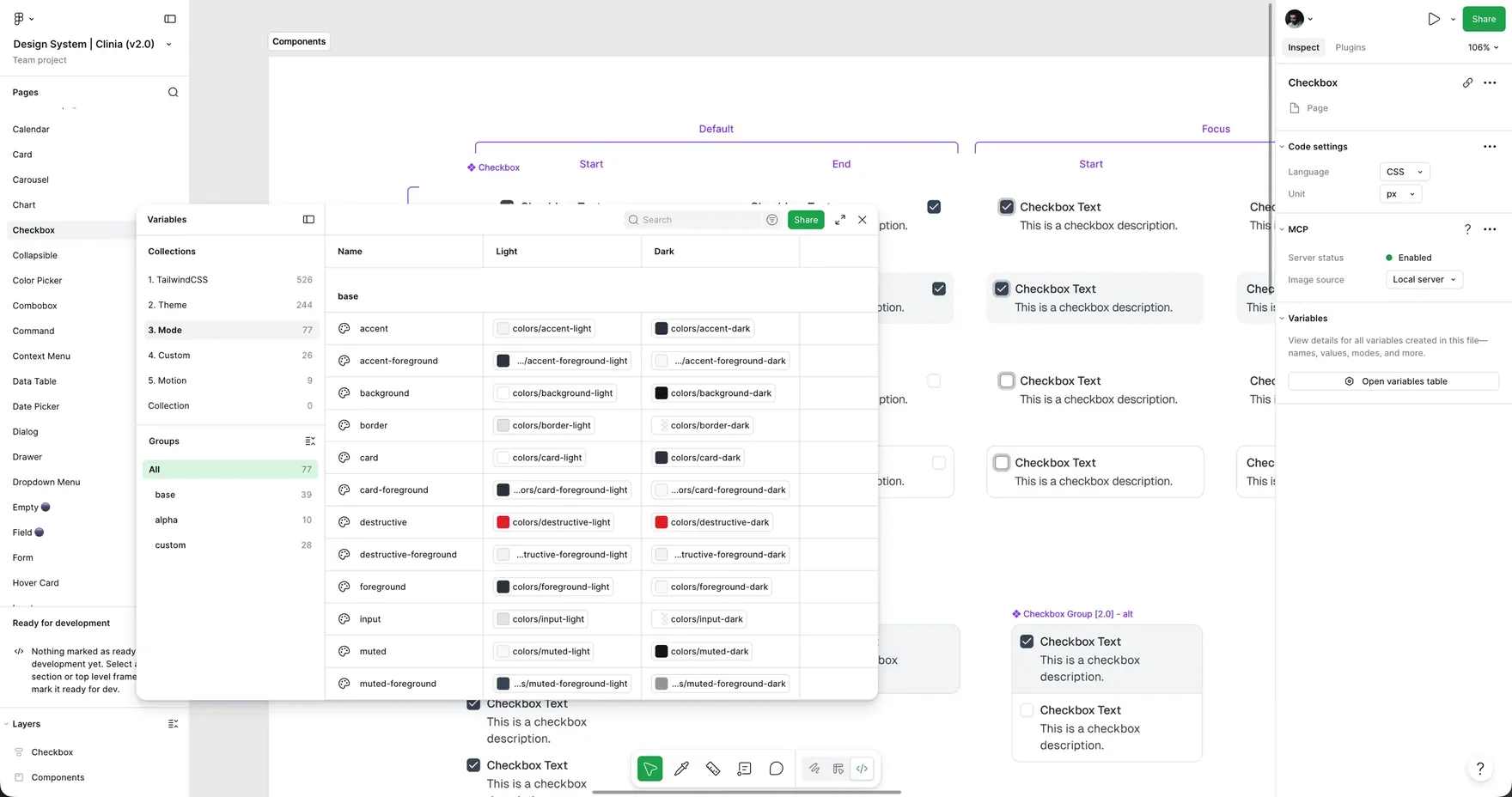
I defined the principles, foundations, tokens and criteria for deciding when a new component or token should enter the system. I also sorted out what came from shadcn and what needed to be specific to Clinia.
I documented and versioned the components in Storybook, created the NPM package and took part in building them in code. This gave the team a shared reference across Figma, implementation and product evolution.
Discovery and agent flows
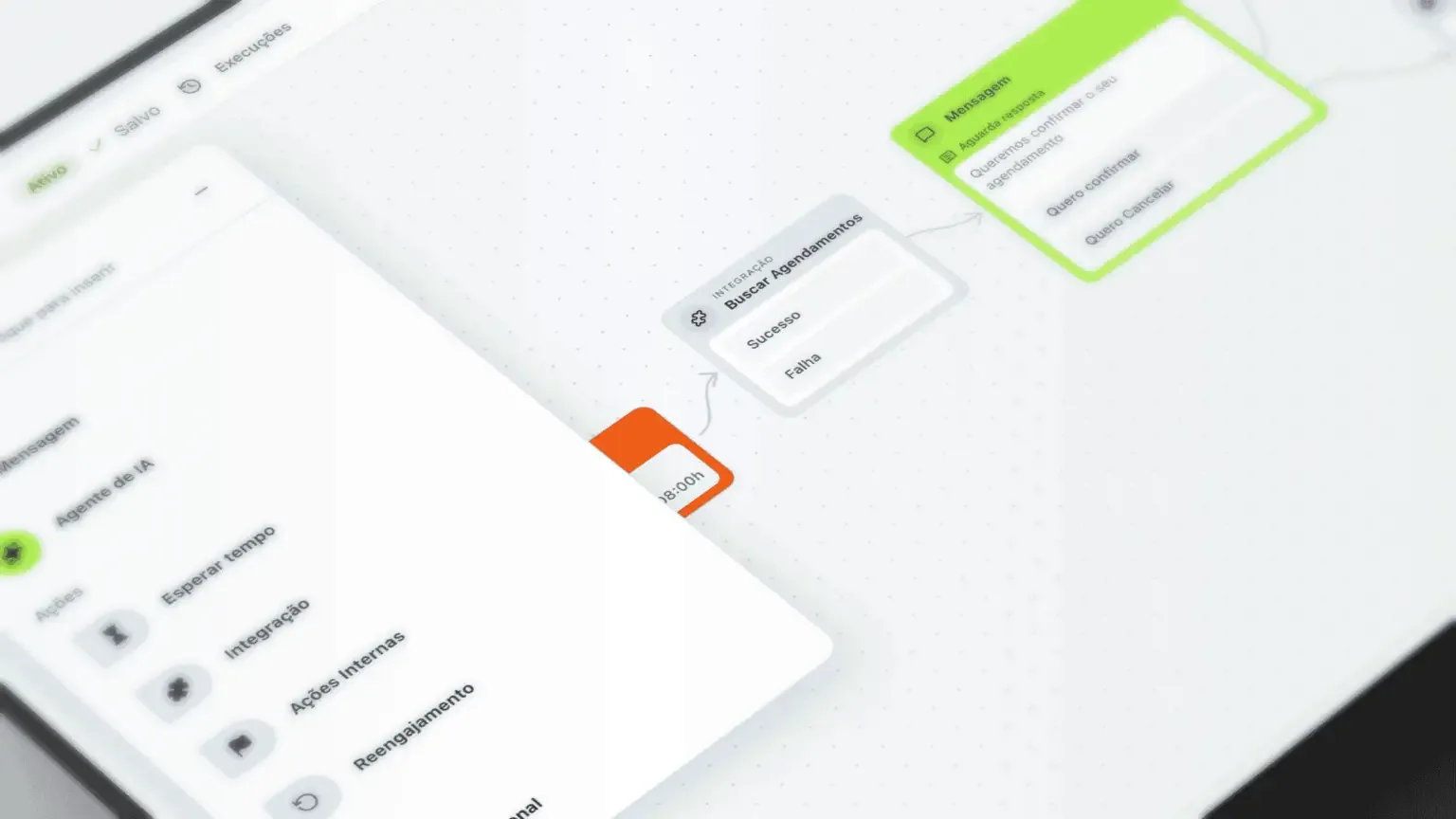
Visual nodes made the logic easier to operate
In version 1.0, support flows relied on if/else-like conditionals and were hard to read. The CS team had to help create and adjust flows for end users.
In 2.0, we redesigned this experience with visual nodes using React Flow. The agent’s path became easier to understand and customers gained autonomy, while human support remained for cases that required context, authorization or escalation.
I also took part in user interviews to investigate hypotheses about support, patients and new features. These conversations helped decide which problems needed a new feature and which called for improving an existing experience.
Real prototyping
Claude, Cursor and Figma MCP in the workflow
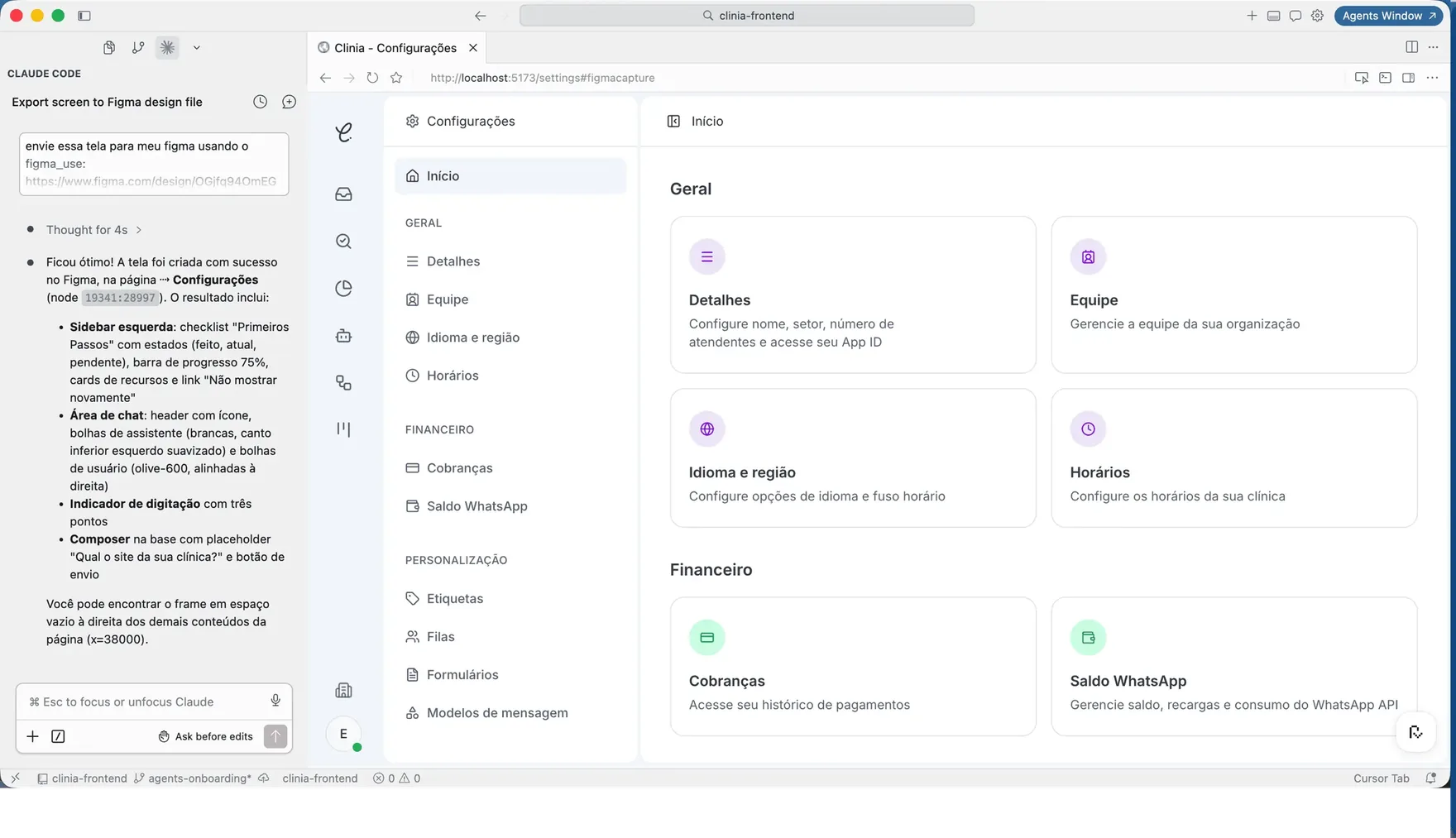
We used Claude, Cursor and Figma MCP to create real prototypes synced with the Figma interfaces, shortening the distance between design decisions, flow validation and implementation.
Process
Designers ship code too
At Clinia, designers used Cursor and Claude as everyday tools. After syncing Figma and code, we created a separate frontend repository, continuously fed with components and patterns, so developers could consume the design with AI and build faster.
- Diagnosis of technology and experience: scale, maintenance, QR Code and feature build-up.
- Foundations of the design system: principles, tokens, components and governance, with shadcn as a starting point.
- Implementation of components in Figma, Storybook, an NPM package and code.
- Redesign of the version 2.0 screens, continuously aligned with Product and Development.
- Discovery with users to investigate support problems and new feature hypotheses.
- Gradual rollout of flows and agents with feature flags, testing and metric tracking.
Results
A foundation that made it possible to measure and improve the agents
Version 2.0 made it possible to instrument the product, test with feature flags and track appointments and error rates instead of relying only on one-off feedback. In parallel, I also worked on the new onboarding, the analytics and CRM areas and the website’s Pricing page.
The new foundation also allowed the internal chat to evolve into a fuller experience and opened the possibility of monetizing it as an add-on.